Access Management
Define who can access which applications based on team structure, role, or custom conditions — enforced automatically across your organization.
Key Features
Group-Based Access Control
Organize your workforce into groups that mirror your org structure. Assign application access at the group level — when someone joins a team, they get the right access immediately.
Dynamic Membership
Set conditions that automatically place people into the right groups based on department, role, or location. Access stays current as your organization changes — no manual updates.
Access Policies
Enforce access rules based on risk level, network location, or time of day. Require re-authentication for sensitive applications. Block access from untrusted locations automatically.
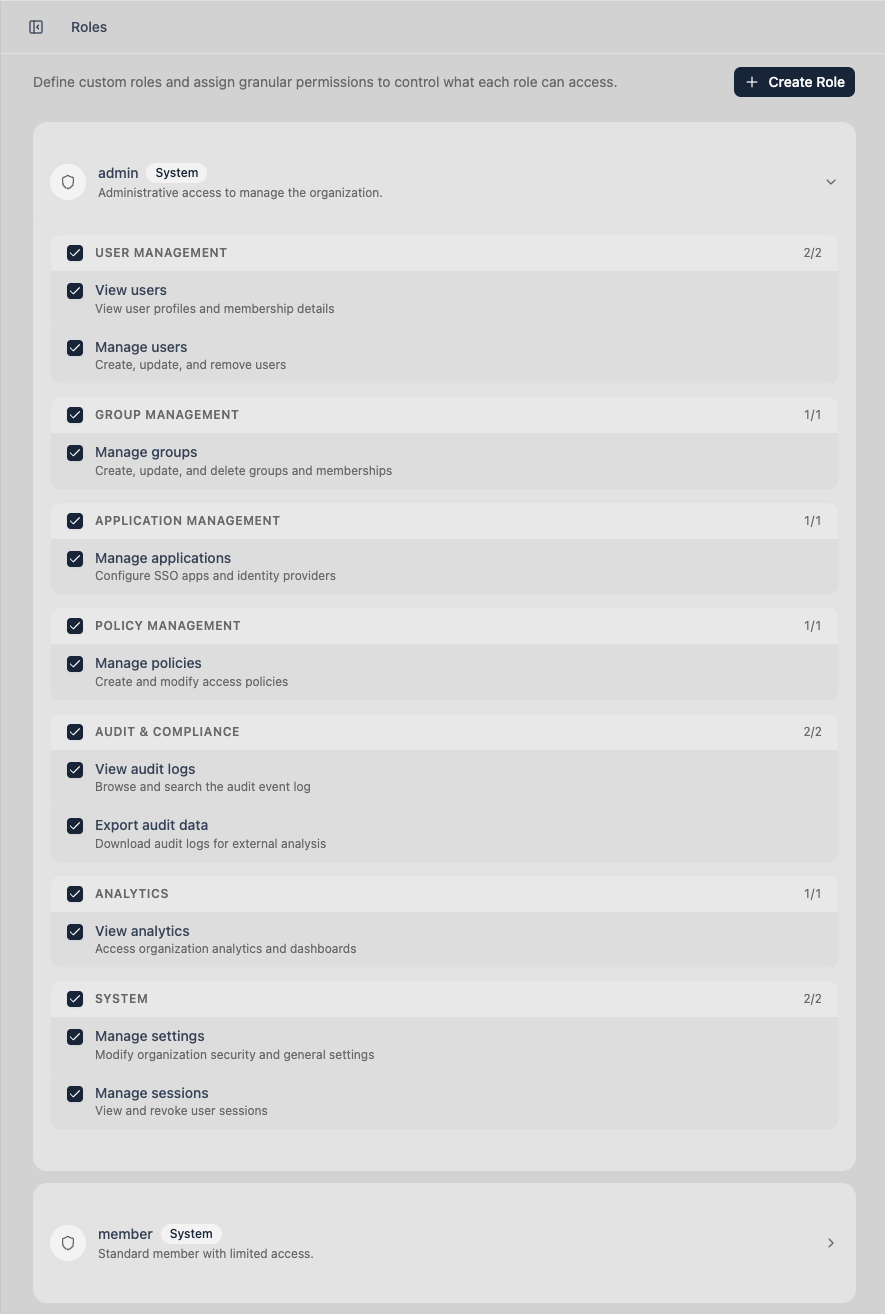
Role-Based Administration
Give your admins exactly the permissions they need — and nothing more. Create custom roles with granular control over who can manage users, groups, policies, and audit logs.
Why This Is Better Without Passwords
Password-based access control enforces permissions against whoever has the credentials. Trustaige enforces permissions against cryptographically verified identity — a biometric-confirmed person on a specific device. Policies don't just check if someone knows a secret. They verify who someone is.
Ready to Replace Your Password Layer?
Start a 30-day free trial. Set up passwordless authentication for your team in minutes. No credit card required.